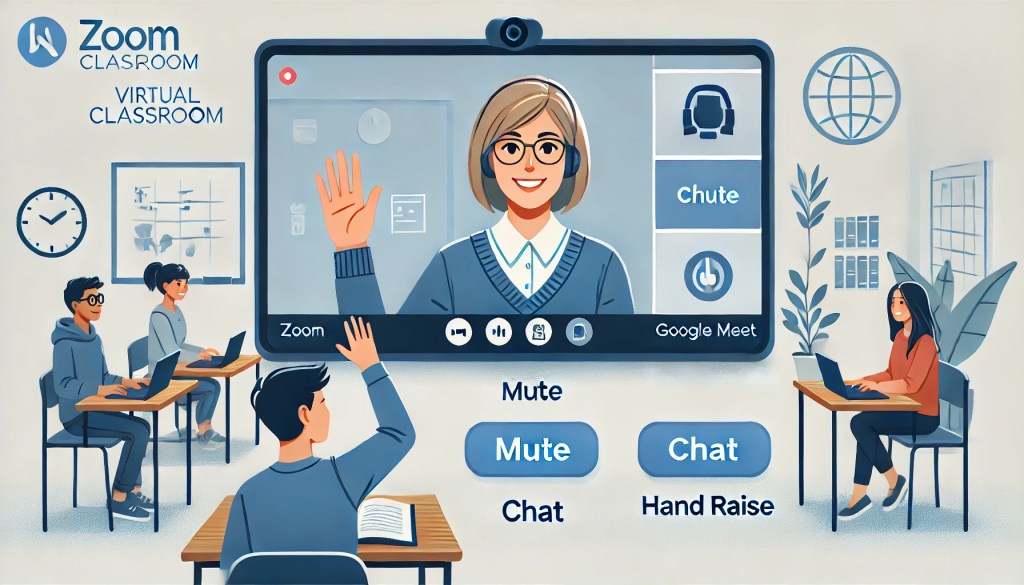
As online learning becomes an integral part of education, establishing clear guidelines for virtual classroom behavior has become essential. With the Virtual Meeting Rules for Distance Learning resource from Learn Everyday Hub, teachers can set expectations for students in a way that’s both clear and customizable. These editable slides, suitable for platforms like Zoom and Google Meet, help students understand virtual etiquette, creating an orderly and productive online classroom.
Why Virtual Meeting Rules are Essential
Online classrooms bring new challenges—students may be tempted to unmute at inappropriate times, misuse the chat, or even forget that they’re on camera. To maintain a respectful and focused learning environment, clear and consistent rules are vital. These guidelines help students know how to behave during online classes, promoting respectful interactions, minimizing disruptions, and enabling smoother, more effective lessons.
Key Features of the Editable Virtual Meeting Rules
The Virtual Meeting Rules resource includes a set of editable Google Slides, allowing teachers to easily adjust each slide to fit their class’s needs. Here’s a closer look at what’s included:
- Mute and Unmute Etiquette: Students are reminded to mute their microphones when not speaking, preventing background noise from interrupting the class.
- Chat Rules: Clear guidance on when and how to use the chat feature for questions and answers, helping students stay focused and on-topic.
- Virtual Backgrounds: Guidelines on using appropriate virtual backgrounds to avoid distractions.
- Camera Usage: Encourages students to keep their cameras on, if possible, fostering a more interactive and personal classroom environment.
- Respectful Behavior: Reminders to be respectful when listening to others and participating, just like in a physical classroom.
These customizable slides give teachers the flexibility to adjust each rule, add their own notes, or include specific instructions for their classroom’s unique needs.
How to Use Virtual Meeting Rules for a Smooth Online Classroom Experience
Using the Virtual Meeting Rules slides is simple and effective. Here are some practical ways to incorporate these rules into your online classroom:
- Begin Each Class with a Quick Review: Start each online session by displaying the rules, providing students with a quick refresher on expectations. This is especially helpful for younger students who may need reminders at the beginning of each meeting.
- Send Rules to Students and Parents: Share the slides with students and parents, ensuring that everyone is on the same page regarding classroom etiquette. By involving parents, teachers can reinforce the importance of virtual behavior at home, making it easier for students to follow the rules consistently.
- Create a Classroom Contract: For older students, consider having them sign a digital “classroom contract” agreeing to follow these rules. This can foster a sense of responsibility and encourage them to take ownership of their online behavior.
- Use as a Reference During Sessions: Keep the rules handy to reference during class if needed. If students forget to mute or have an inappropriate background, a quick reminder from the slide can help refocus the group without disrupting the lesson flow.
Benefits of Setting Clear Virtual Meeting Rules
Setting expectations with virtual meeting rules offers several benefits. First, it reduces disruptions by helping students understand the specific behaviors expected during virtual lessons. Additionally, it fosters a respectful online environment where students can focus on learning and feel safe participating. When students know and follow the rules, teachers can spend less time managing behavior and more time engaging with students and delivering meaningful instruction.
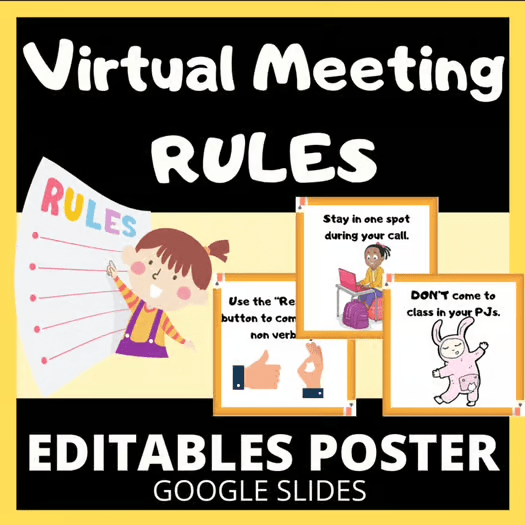
The Virtual Meeting Rules for Distance Learning resource is an invaluable tool for educators navigating the world of online learning. With customizable slides that cover the essentials of virtual classroom etiquette, this resource helps teachers maintain order and respect in their online classes. By establishing clear expectations, teachers can create a virtual environment that feels just as structured and engaging as a physical classroom. Whether you’re teaching younger students new to online learning or older students who need occasional reminders, these editable rules make it easy to foster a positive, productive learning space.
 Learn Everyday Hub